
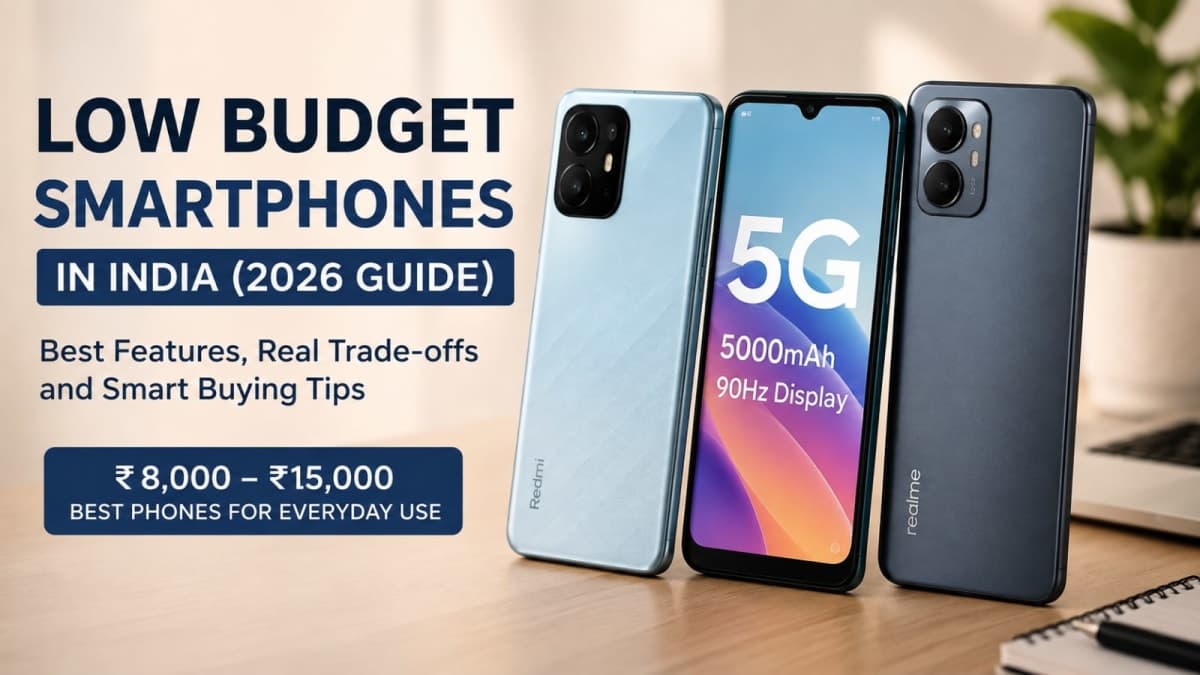
A low budget smartphone in India today means spending between ₹8,000 and ₹15,000. In this range you can still get 5G, a battery that lasts a full day, and a screen smooth enough for daily use. The catch is that almost every phone forces trade-offs. This guide shows what those trade-offs actually look like and how to choose without wasting money.
Prices have climbed. What used to cost ₹12,000 often sits closer to ₹14,000 or more once you add taxes and the current memory cost pressure. Still, a carefully chosen phone in this band can handle calls, WhatsApp, UPI, YouTube and light multitasking for two to three years if you pick the right priorities.
What “low budget” really means in 2026
Under ₹10,000 you mostly find 4G phones or entry-level 5G models with 4GB RAM and basic HD+ screens. These work for primary school students, elderly users who mainly call and message, or as a secondary phone. Expect limited app performance once the storage fills and slower software support.
Between ₹10,000 and ₹15,000 the options improve. Many phones here offer 5G, 90Hz or 120Hz refresh rates, 5000mAh or larger batteries, and at least 4GB to 6GB of RAM. Cameras remain average. Software update promises vary widely by brand. This is the range where most people should aim if they want a phone that still feels usable after a year.
Anything above ₹15,000 starts entering the mid-range territory where AMOLED screens, faster charging and better cameras become more common. That is no longer “low budget” for the purpose of this post.

The five things that actually matter
Ignore marketing numbers that sound impressive but change little in daily life. Focus on these instead.
Battery capacity and real usage. Look for 5000mAh or more. In this price range charging speeds are usually 15W to 33W. A bigger cell with slower charging still beats a smaller cell that needs topping up twice a day. Test claims yourself once you buy; official numbers rarely match mixed Indian usage with mobile data and bright screens.
Display refresh rate and outdoor visibility. 90Hz or 120Hz makes scrolling feel smoother. Many budget panels still struggle in direct sunlight. If you use the phone outdoors a lot, check reviews for peak brightness figures rather than relying on the box claim.
RAM and storage combination. 4GB is the practical minimum for basic use. 6GB is noticeably better for keeping apps in memory. Storage of 64GB fills fast once you install WhatsApp media and a few apps. Prefer 128GB if the price difference is small, or make sure microSD expansion is available.
Software support length. This is the hidden killer of budget phones. Some brands stop security updates after 18 months. Samsung generally offers longer support even on lower models. Cleaner software with fewer ads also improves the experience over time.
Build and after-sales network. Plastic backs are normal. Check for IP ratings if you want basic splash resistance. Service centres matter more than brand name. In smaller towns, wider service networks save time when something goes wrong.
Buy the phone that matches how you actually use it every day, not the one with the highest camera megapixel number on the box.
Real trade-offs you cannot avoid
Every low budget smartphone cuts corners. Knowing the common ones helps you decide which compromises you can live with.
Cameras in this range are fine for daylight social media photos and video calls. Low-light shots and zoom suffer. Night mode software helps a little but cannot fix small sensors. If photography is important, save for a higher bracket or accept that you will use the phone mainly for snapshots.
Performance is adequate for daily apps and casual games. Heavy titles will heat the device and throttle. Chipsets in this segment prioritise efficiency over raw power. Expect occasional lag after a year of use as apps grow heavier.
Charging speeds are modest. Many phones still ship with slow chargers or none at all. Factor in the cost of a decent 30W or 45W charger if the box only includes a basic one.
Software skins often come with pre-installed apps and occasional ads. You can uninstall most of them, but the first hour after unboxing is usually spent cleaning the phone up.
Priority | What to look for | Typical compromise |
|---|---|---|
Battery life | 5000mAh+ | Slower charging |
Smoothness | 90Hz or 120Hz screen | Average outdoor brightness |
Longevity | Known update policy | Fewer “premium” features |
5G future-proofing | Recent mid-tier chipset | Higher price within the budget |
How to choose based on your actual needs
If the phone is mainly for calls, UPI, WhatsApp and YouTube, prioritise battery and software support. A clean interface and long update window matter more than a high refresh rate.
If you watch a lot of video or scroll social media for hours, the display becomes more important. 120Hz helps, but only if the panel stays readable outdoors.
Students who need the phone for online classes and light notes should look for decent front cameras and stable video call performance. Storage expansion is useful for offline lectures.
Parents buying for younger users should favour durable plastic builds and brands with easy service access. Parental control features vary; check what the software actually offers rather than marketing claims.
For a secondary phone or travel backup, the cheapest reliable 4G model with a large battery is often enough. You do not need 5G or high refresh rates for occasional use.

Buying tips that save money and headaches
Check current street prices on Flipkart, Amazon and official brand sites during major sales. Launch prices drop, but so do the deeper discounts on older stock. Compare the final payable amount after bank offers.
Always verify the IMEI after purchase if the seal looks broken. Pre-activated units still appear in the grey market. Record an unboxing video; it helps with return claims.
Read recent user reviews for heating, software bugs and battery drain after a few weeks of use. Launch-day reviews often miss long-term issues.
If your current phone still works, wait. The transcripts and recent pricing trends show that memory costs and component shortages keep pushing entry prices upward. Buying only when you need a replacement avoids paying the current premium for features you do not use.
Consider a good screen protector and case from day one. Budget phones rarely have strong glass. A ₹300 case and tempered glass extend the usable life more than any software feature.
For more specific model comparisons once prices settle, check our budget phone picks and more guides on the site.
Final checklist before you pay
Confirm 5G band support for your carrier if that matters in your city. Check the exact RAM and storage variant you are buying; base models sometimes drop to 4GB. Look up the promised software update window on the brand site rather than relying on store staff. Make sure the seller is authorised so the warranty is valid.
A low budget smartphone is not meant to feel like a flagship. It is meant to do the basic jobs reliably without constant charging or sudden slowdowns. Stick to the priorities that match your daily pattern, accept the camera and performance limits, and you will get solid value for the money.
Prices and stock change quickly. Always double-check the latest specifications and offers on the day you buy. What looks like a good deal this week can shift next month.