
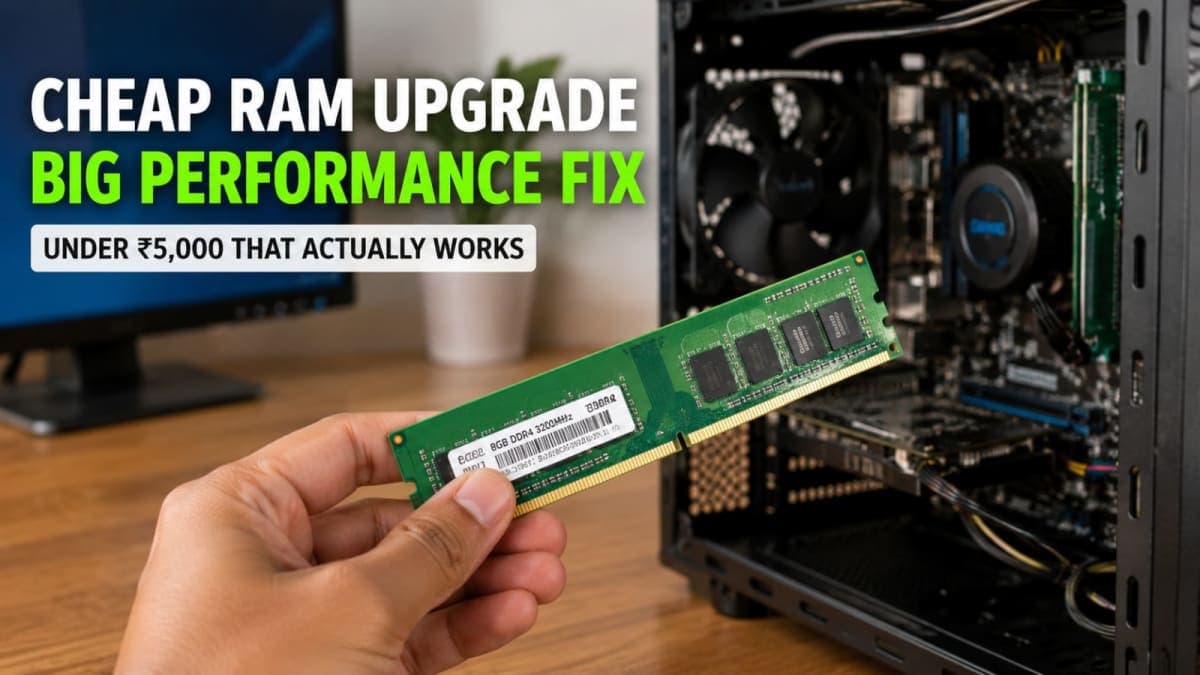
The cheapest pc ram upgrade I made this year fixed a problem I had blamed on Windows for months. My old desktop felt sluggish every day — browser tabs froze, Excel took forever, and even simple file copies stuttered. I was ready to reinstall Windows or buy a new machine. Instead I spent under ₹5,000 on one extra stick of memory and the lag disappeared.
This is not a story about magic software tweaks. It is about recognising that Windows 11 on 8GB of RAM is often the real bottleneck, not the operating system itself.
What the lag actually looked like
For months the pattern was the same. After a fresh boot the machine felt fine for twenty minutes. Then Chrome with a dozen tabs, WhatsApp desktop, and a couple of Office files would push the system into the red. The mouse cursor lagged. Switching windows took a second or two. Task Manager showed memory usage stuck above 90% and the disk light flashing constantly.
I tried the usual suspects. I paused Windows Update for weeks. I disabled startup programs. I turned off widgets and news feeds. I even uninstalled a few recent updates that people online claimed were problematic. Nothing changed the daily grind. The machine still felt like it was running out of air.
Looking back, the clues were obvious. Windows 11 and several of its built-in pieces rely on WebView2, a Chromium-based engine. That engine, plus the widgets panel, search, and various background services, already consumes a large chunk of memory even when you are doing almost nothing. On an 8GB system that leaves very little free space for the apps you actually want to run. Once memory is full, Windows starts using the page file on the hard drive or SSD. That is when everything slows to a crawl.

How I finally diagnosed it properly
One evening I left Task Manager open on the Performance tab while I worked normally. Memory stayed high the whole time. The disk graph spiked every time I opened a new tab or switched apps. CPU and GPU were barely working. That pointed straight at RAM pressure, not a processor problem or a bad update.
I checked how much memory the system actually had installed. Eight gigabytes in a single stick. The motherboard supported more. The maximum listed in the manual was 32GB or 64GB depending on the board, but even jumping to 16GB would give breathing room.
I also confirmed the type. It was DDR4 running at a common speed. Matching that speed was the only requirement. No exotic RGB or extreme timings needed for everyday work.
If Task Manager shows memory constantly above 85–90% during normal use and the disk is busy at the same time, more RAM is usually the cheapest and most effective fix.
What I bought and what it cost
I ordered a single 8GB DDR4 stick of the same speed as the existing one. In India right now a decent no-frills module typically lands between ₹4,000 and ₹7,000 depending on the seller and exact speed. I paid in the lower half of that range. Delivery took two days via Amazon.
Installation took less than ten minutes. Power off, open the side panel, push the new stick into the empty slot until the clips click, close the case, and boot. Windows recognised 16GB immediately. No drivers, no software, no activation needed.
After the upgrade the same workload that previously sat at 90%+ memory now hovered around 50–60%. The disk stopped thrashing. Browser tabs stayed responsive. Excel files opened without the long pause. The machine simply felt normal again.

Why this upgrade beats most software “fixes”
People often reach for software solutions first because they are free. Pausing updates, disabling widgets, turning off visual effects, or cleaning temporary files can help a little. They do not solve the underlying shortage of physical memory. Windows still needs a certain baseline, and modern apps (especially anything that embeds a browser engine) keep pushing that baseline higher.
Reinstalling Windows or resetting the PC also fails to help if the hardware remains the same. You get a clean system for a week or two, then the same apps and services fill the 8GB again.
Buying a new laptop or desktop is the expensive way out. A usable new machine starts well above ₹30,000–40,000. Adding one stick of RAM costs a fraction of that and keeps the rest of the hardware you already own.
Option | Approx cost in India | What it actually fixes | When it makes sense |
|---|---|---|---|
Extra 8GB DDR4 stick | ₹4,000–7,000 | Memory pressure and swapping | 8GB system that still feels usable otherwise |
SSD upgrade (if still on HDD) | ₹2,500–4,500 for 500GB class | Boot and load times | Very old hard-drive machines |
Full new PC or laptop | ₹30,000+ | Everything | When multiple parts are failing or too old |
The RAM route wins on cost and simplicity for most people stuck on 8GB.
How to check your own machine before spending
Do these three steps first.
Open Task Manager. Press Ctrl+Shift+Esc, go to Performance, select Memory. Use the PC normally for fifteen minutes and watch the graph. High and flat usage is the warning sign.
Confirm capacity and type. Still in Task Manager you can see total memory. For the exact module details open a command prompt and type wmic memorychip get capacity,speed,memorytype or check the motherboard manual. You need to know DDR4 versus DDR5 and the current speed.
Check free slots and maximum support. Most desktops have two or four slots. Laptops often have one or two. The manufacturer site or the sticker on the bottom of a laptop usually lists the maximum supported RAM.
If you are on a laptop, also check whether the memory is soldered. Some thin models have no user-upgradeable slots. In that case the upgrade path is closed and you either live with it or replace the machine.
For desktops the process is almost always straightforward. Match the generation, keep the voltage the same, and prefer the same speed. Dual-channel performance is better when two sticks are used, so if you currently have one 8GB stick, adding a second matching 8GB stick is ideal.
Trade-offs and when not to bother
More RAM is not a universal cure. If the hard drive is failing, the thermal paste has dried out, or the processor is a very old dual-core, extra memory will only mask part of the problem. An SSD upgrade often pairs well with a RAM upgrade on older machines still running spinning hard drives.
DDR5 systems are a different market. Those modules cost more and the platforms are newer. The cheap wins right now are still mostly on DDR4 machines that people bought between roughly 2017 and 2023.
Also watch prices. Memory costs move with global supply. What is affordable this month can jump next month. Check Amazon, Flipkart, and a couple of specialist sites like MDComputers before you buy. Look for modules with at least a one-year or longer warranty from a known seller.
If your current system already has 16GB and still feels slow under light use, the bottleneck is elsewhere. Do not throw more RAM at a different problem.
Practical next steps for Indian buyers
Start with Task Manager. If memory is the clear culprit and you have a free slot, order a matching stick. Prefer reputable budget brands that list the correct speed and voltage. Avoid the absolute cheapest unbranded modules if the price looks too good, stability matters more than saving a few hundred rupees.
Install it yourself if you are comfortable opening the case. Many local computer shops will do the job for a small fee if you bring the stick. Keep the old module as a spare or sell it.
After the upgrade, leave the machine running for a full day of normal work. The difference is usually obvious within the first hour. If nothing improves, you can still return the stick within the return window most online sellers offer.
I had spent months blaming Windows Update, Microsoft’s “bloat”, and every recent KB number that appeared in the news. The real limit was simply not enough physical memory for the way modern Windows and modern apps behave. One inexpensive stick fixed it. For a lot of 8GB machines still in use across India, that same cheapest pc ram upgrade remains the highest-value move you can make this year.
If you want more practical upgrade paths, check more guides on the site. The goal is always the same: spend the least money that actually solves the problem you have.