Does iOS 26.6 fix battery drain? For a large number of iPhone users the answer is yes, once the update settles. Many report better screen-on time, lower overnight drain and less heat compared with the previous point release. The gains are not magic and not universal. They depend on your model, battery health and a short period of background work that Apple runs after install.
iOS 26.6 arrived as a stable update focused on bug fixes, security patches and Spotlight index optimisation ahead of iOS 27. Official notes do not list a dedicated “battery drain fix”, yet real-world use in India and elsewhere shows clearer efficiency for many people who were struggling on earlier 26.x builds. My iPhone 17 pro battery performs well after update too iOS 26.6.
What users actually see after updating
People who updated and waited a few days commonly notice two changes. First, overnight drain drops. Locked phones that previously lost 5–8% while sitting idle now lose closer to 1–3% with Wi-Fi and mobile data left on. Second, daytime screen-on time improves on both recent Pro models and older non-Pro handsets.
On an iPhone 16 Pro with around 90% battery health, one detailed test showed roughly five hours of active screen time while using about 76% of the charge, leaving room for another couple of hours. That points toward seven to eight hours of mixed use in a day. On a non-Pro model the same update delivered around four and a half hours of screen time spread across three days of light-to-moderate use. Older devices such as an iPhone 13 with 84% health still managed solid four-hour screen-on stretches after a full charge once the new software settled.
Heat is another frequent complaint that eases. Phones that ran warm during normal scrolling or light gaming stay cooler. That alone helps battery because high temperatures accelerate discharge and long-term wear.
These numbers come from everyday Indian usage patterns: WhatsApp, YouTube, Instagram, occasional BGMI sessions, maps and calls. Results vary. Some users still see average performance, especially if their battery health is already below 80%. A minority report no meaningful change. The pattern, however, is that the worst drain issues from the previous builds are reduced for most people who give the update time.
Why battery can look worse for the first few days
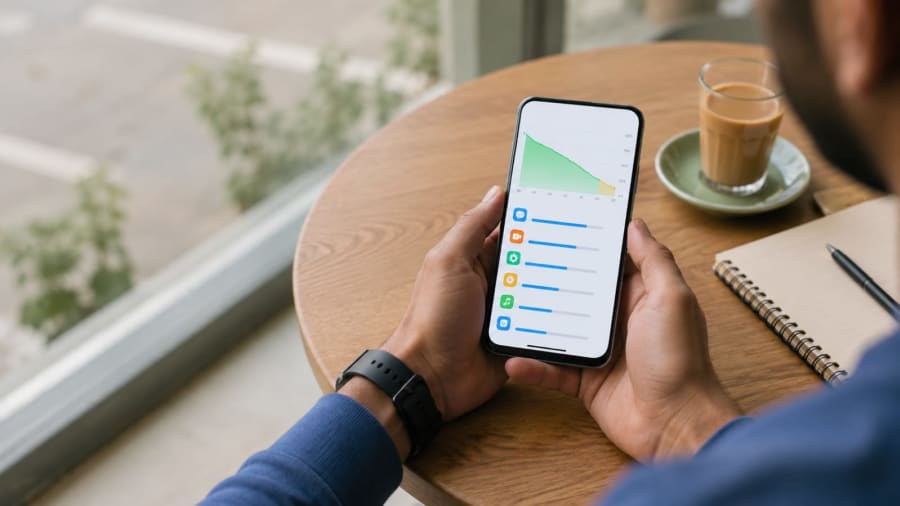
Right after you install iOS 26.6 the phone often works harder than usual. Apple uses this release to optimise the Spotlight index so the jump to iOS 27 later in the year is smoother. The process re-indexes photos, mail, messages and other data. It can run in the background for three to five days and pull noticeable power, especially if the phone is not left on charge overnight with Wi-Fi connected.
This is temporary. Once indexing finishes, the extra activity stops and battery behaviour usually returns to normal or better. Checking Settings → Battery during those first days often shows system processes high on the list. That is expected, not a permanent bug.
If you update during the day and keep using the phone heavily, the combined load of indexing plus your apps can make drain feel dramatic. The practical fix is simple: install on Wi-Fi, plug the phone in overnight, and avoid judging battery until at least the fourth or fifth day.
Settings that make a real difference
Two accessibility and power options stand out in user reports. Search for “Reduce Transparency” in Settings and turn it on. It cuts visual effects that tax the GPU. Next, enable Adaptive Power. This feature learns your daily pattern and can ease brightness, limit background activity or switch to Low Power Mode automatically when needed.
Other useful steps:
Background App Refresh. Go to Settings → General → Background App Refresh and set it to Wi-Fi only, or turn it off for apps you rarely open.
Location services. Limit high-drain apps to “While Using” instead of “Always”.
Always-On Display. Turn it off if your model supports it and you do not need the feature.
App updates. Make sure every app is current. Outdated apps can fight the new system and waste power.
Low Power Mode. Use it during long travel days or when the battery is already low.
None of these remove core features. They simply stop the phone doing unnecessary work in the background. Combined with the software improvements in 26.6 they often restore the kind of all-day battery Indian users expect from a mid-range or flagship iPhone.
Battery health still decides the ceiling
Software can only do so much. If Battery Health in Settings shows 80% or lower, the physical cells have already lost capacity. iOS 26.6 may improve efficiency and reduce wasteful drain, but total runtime will still feel shorter than a new battery. In that case the honest next step is a battery replacement at an authorised service centre rather than waiting for another software update.
Check the graph under Settings → Battery. Look at the last 10 days. If screen-on time is consistently low even after the indexing period and the settings above, health is the limiting factor. Replacement costs vary by model and city in India; always verify the current authorised rate before booking.
Should you update now?
Yes for most people on supported iPhones (generally iPhone 11 and newer). The update is free, delivers security fixes, prepares the device for the next major release, and delivers better battery behaviour for a clear majority of users once the short indexing window ends. Update on a stable Wi-Fi connection, preferably overnight while the phone charges. Leave Low Power Mode off during the first night so indexing can finish faster.
If your phone is already on a beta build, move to the stable 26.6 release. Betas often carry extra background tasks that make drain worse.
For readers who still use older devices heavily, also check our more guides on everyday battery habits that work across Android and iOS.
Give iOS 26.6 three to five days after install, enable Reduce Transparency and Adaptive Power, and most battery-drain complaints from earlier 26.x versions ease significantly.
Practical checklist for Indian users
Install only on Wi-Fi. Charge overnight after the update. Wait until day four or five before comparing screen-on time with the previous version. Review the Battery screen for any single app that stands out. Keep brightness reasonable and use Auto-Brightness. If you play games or stream video for long sessions, expect the usual higher drain; the update does not change the physics of a bright OLED screen.
iOS 26.6 is not a miracle. It is a solid maintenance release that cleans up earlier inefficiencies and gives the phone better tools to manage power. For the majority of people who were seeing worse battery on previous builds, the fix is real once the temporary work finishes. Check your own Battery Health, apply the two key settings, and judge the result after a few full charge cycles. That is the practical way to know whether the update delivered for your specific iPhone.